
Monday Motivation: How To Set Up Your At-Home Workspace For Optimal Productivity
For WFH creators, a Sunday night reset is most effective when paired with a few simple tips for designing a workspace that enhances clarity and performance.
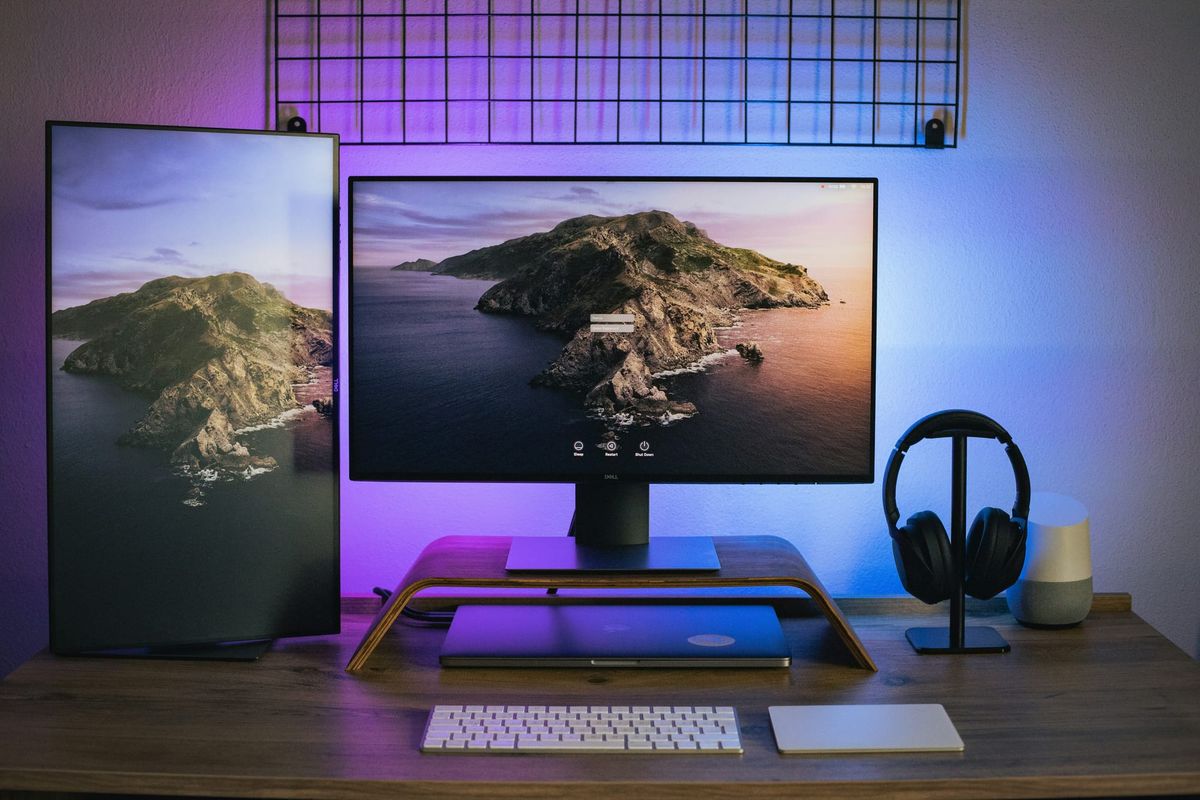
For digital entrepreneurs, the home workspace is a lot more than just a physical environment – it often lays the foundation for our daily output and performance.
As remote and hybrid work continues to become a defining feature of modern work culture, studies have found that a well-structured home work setup, featuring natural light, proper ventilation, ergonomic furniture, and low noise, can significantly increase productivity and focus by up to 20 percent.
When designed intentionally, with these factors in mind, a well-structured workspace reduces friction, improves focus, enhances clarity, and helps establish consistency over time.
Importantly, the effectiveness of a well-designed space largely depends on how well it is maintained – and a deliberate reset at the start of each week is a simple yet impactful way to bring clarity and focus into the days ahead.
Below are a few practical, actionable steps to set up your workspace for optimal performance.
1. Define a dedicated workspace zone (and enforce it)
What to do:
Choose one specific area in your home that is used exclusively for work. This can be a desk in a room, a corner of a living space, or a compact workstation — but it must be consistent.
Why it matters:
Your brain associates environments with behaviours. When work happens in multiple locations, focus becomes fragmented. A fixed workspace creates a psychological “switch” into work mode, improving concentration and reducing procrastination.
2. Clear your desk completely before starting the week
What to do:
Every Monday morning (or Sunday evening), remove everything from your desk except essential tools such as laptops, notebooks, and one or two functional items.
Why it matters:
Visual clutter increases cognitive load. A clear surface reduces decision fatigue and allows your attention to stay on execution rather than environment.
3. Set up your screen for focus, not distraction
What to do:
Close all non-essential tabs before starting work. Use a clean browser window or a dedicated “work-only” profile. Disable non-critical notifications for at least your first 2–3 hours of deep work.
Why it matters:
Digital interruptions are one of the biggest productivity disruptors for entrepreneurs. Reducing input at the start of the day improves depth of thinking and task completion speed.
4. Position your workspace to reduce passive distractions
What to do:
Face your desk away from high-traffic areas (hallways, TVs, kitchens where possible). Keep your line of sight minimal and controlled.
Why it matters:
Even small visual interruptions break cognitive flow. Reducing environmental movement helps maintain sustained focus over longer periods.
5. Pre-plan your Monday priorities before you sit down
What to do:
Before beginning work, write down 3 key priorities for the day. These should be written as outcomes, not as tasks. For example: “Launch campaign draft” instead of “write email copy.”
Why it matters:
Without structure, digital work expands infinitely. Defining priorities early prevents reactive work patterns and ensures the day is driven by output, not input.
6. Create a “start-up routine” for your workspace
What to do:
Develop a consistent 5–10 minute routine before starting work. This can include:
- Clear desk
- Open essential tools only
- Write top 3 priorities
- Start first task immediately (no browsing or scrolling)
Why it matters:
Routines reduce reliance on motivation. Over time, this sequence conditions your brain to enter focus mode faster and more consistently.
7. Control your environment temperature, lighting, and noise
What to do:
Adjust lighting so your workspace is well-lit but not harsh. Keep temperature comfortable but slightly cool. Use noise control tools (headphones or background sound) if needed.
Why it matters:
Ergonomics is essential when it comes to maintaining motivation and productivity. Physical discomfort reduces cognitive performance, while a stable environment supports longer periods of uninterrupted focus.
8. End your setup by removing digital clutter
What to do:
Before ending your Monday setup, close unnecessary tabs, organise files into folders, and reset your desktop to a clean state.
Why it matters:
Starting clean reduces friction the next day and creates continuity across the week. It also reduces mental load when returning to work.